Laser Cutter
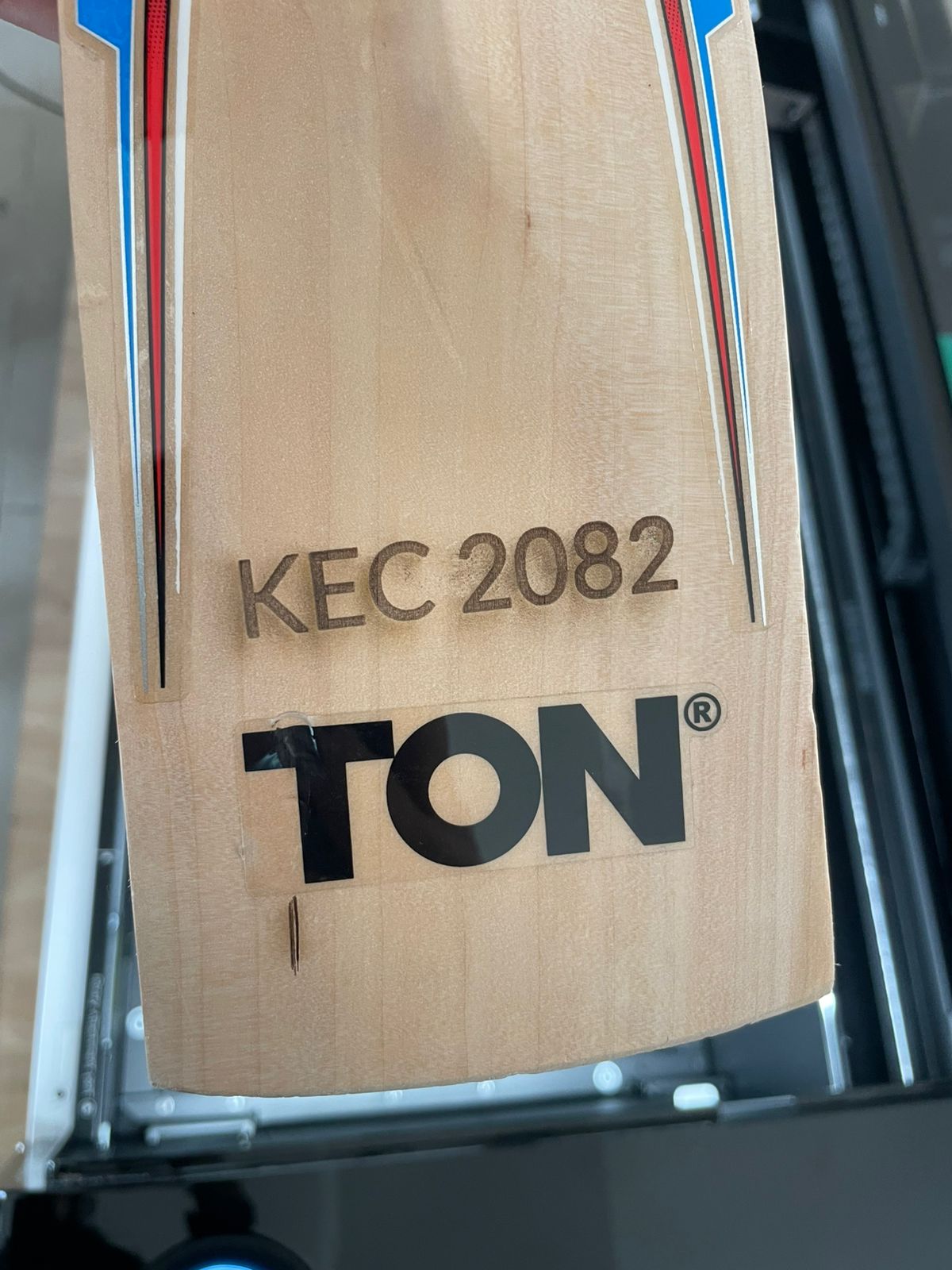
Precision laser cutting and engraving for wood, acrylic, MDF, leather, fabric, and more. KEC students and staff pay market price for materials used.
Capabilities & Supported Materials
Cutting
- Acrylic (3–6 mm)
- Plywood (up to 8 mm)
- MDF (up to 6 mm)
- Leather & fabric
- Cardboard & paper
- Cork
Engraving
- Wood and bamboo
- Anodised aluminium
- Slate and stone
- Coated metals
- Glass (with coating)
- Ceramic tiles
Software
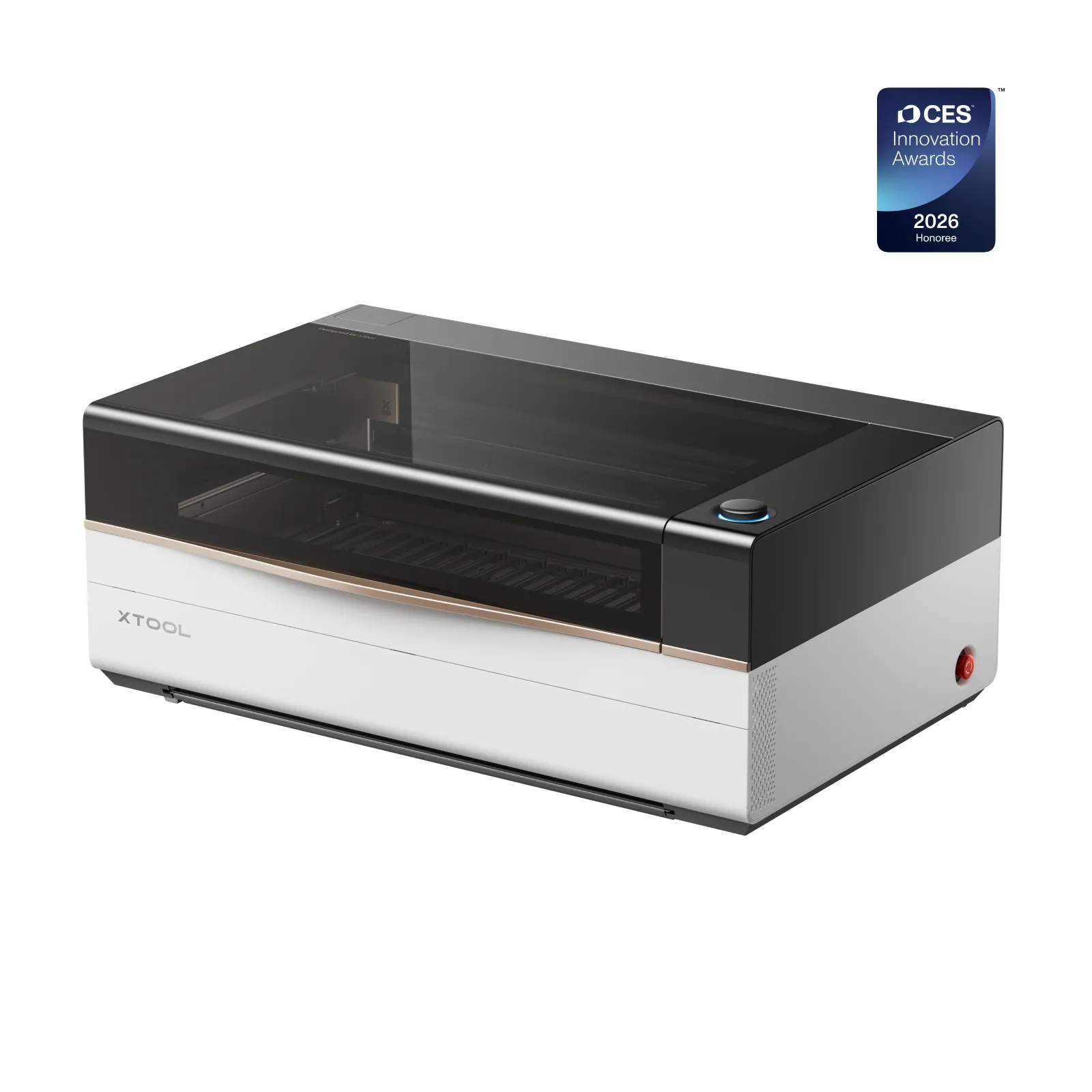
- xTool Creative Space (free)
- LightBurn (advanced)
- Adobe Illustrator (vector prep)
- Inkscape (free vector editor)
New to Laser Cutting?
The workflow from design to finished cut piece.
Create your design as a vector file
Laser cutters work from 2D vector files (.SVG, .DXF, .AI). Use Adobe Illustrator, Inkscape (free), or draw directly in xTool Creative Space. For engraving, raster images (.webp, .JPG) also work. Cut lines must be set as hairline / 0.001pt stroke.
Choose your material and set parameters
Open your file in xTool Creative Space or LightBurn. Select the material type and thickness. The software will suggest speed and power settings — your trainer will help you fine-tune for the first run.
Test cut on scrap first
Always do a small test cut on a scrap piece before running the full job. This confirms your settings are right and saves material. Never skip this step.
Run the job — stay present
Start the cut and stay beside the machine throughout. The extractor fan must be on. If anything looks wrong — smoke, unexpected flame, bad smell — press the emergency stop immediately and alert the team.
Training & Booking
Training
- Training required before independent use
- Conducted by Bistrit (Technical Lead)
- Covers operation, safety, and file prep
- Ends with a 10-minute quiz
- Pass = certified, permanent access
Booking
- Walk in during open hours (Sun–Fri 9–5)
- Or contact us to reserve a slot
- Max 4 hours per session
- Cancel 2+ hours before to avoid penalty
- Must stay present during the entire job
Consumables & Pricing
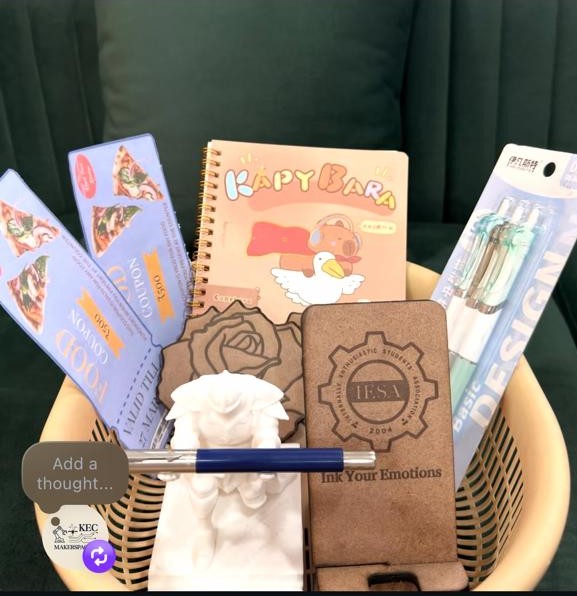
Projects Made With This